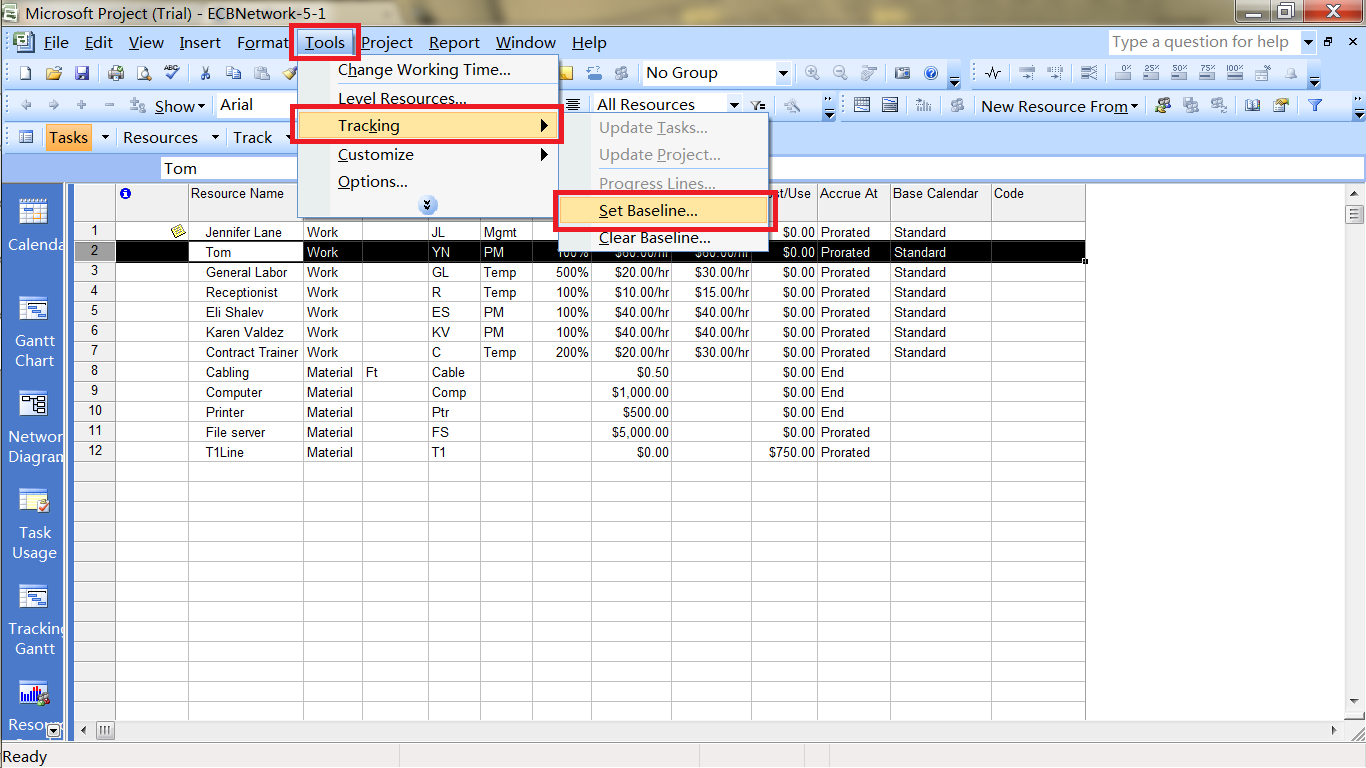
Set Baseline
Update Task
Showing posts with label Microsoft Project 2007. Show all posts
8/17/2011
Tracking Progress
8/16/2011
Create Project Information
Create Report
Use Filter
Autofilter
Create Slack, Change Summary Task Bars and other information
Change Box Style in Network Diagram
Change Individual Box Color
Use Filter
Autofilter
Create Slack, Change Summary Task Bars and other information
Change Box Style in Network Diagram
Change Individual Box Color
Labels:
filter,
Microsoft Project 2007,
report
8/15/2011
Creating a Project Schedule
Set Constraint Type
to set "as late as possible" or "as soon as possible" in Task Information
Change Project Calendar
Change Working Days from 5 Days Per Week to 7 Days Per Week
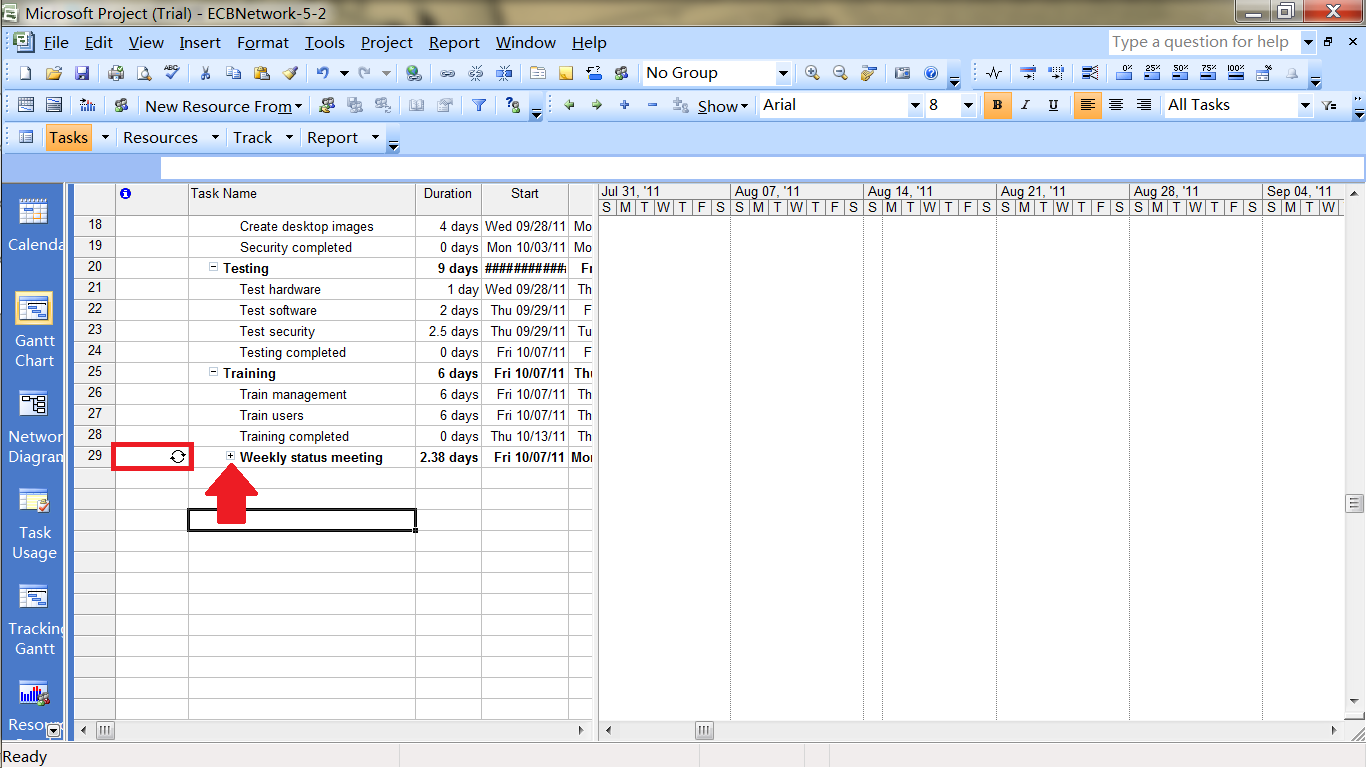
Weekly Status Meeting or Recurring Tasks
Create a Project Summary Task Bar
Check Properties of a Project File
Create WBS
to set "as late as possible" or "as soon as possible" in Task Information
Change Project Calendar
Change Working Days from 5 Days Per Week to 7 Days Per Week
Weekly Status Meeting or Recurring Tasks
Create a Project Summary Task Bar
Check Properties of a Project File
Create WBS
Labels:
Microsoft Project 2007,
Properties,
WBS
Planning a Project
Change Time Scale
Change Working Time
Project start and finish date
Change Task Sheet or Table into Different View
left side of the project screen -> right-click -> choose different view, or
view bar -> choose different view
Show Task Information
view bar -> calendar -> double click on task name -> task information window
or click on task -> project bar -> task information
Relationship Diagram
Split Windows
Change Working Time
Project start and finish date
Change Task Sheet or Table into Different View
left side of the project screen -> right-click -> choose different view, or
view bar -> choose different view
Show Task Information
view bar -> calendar -> double click on task name -> task information window
or click on task -> project bar -> task information
Relationship Diagram
Split Windows
Labels:
Microsoft Project 2007,
project management
Subscribe to:
Posts (Atom)